eSIM for Bangladesh – Mobile Data from $1.22
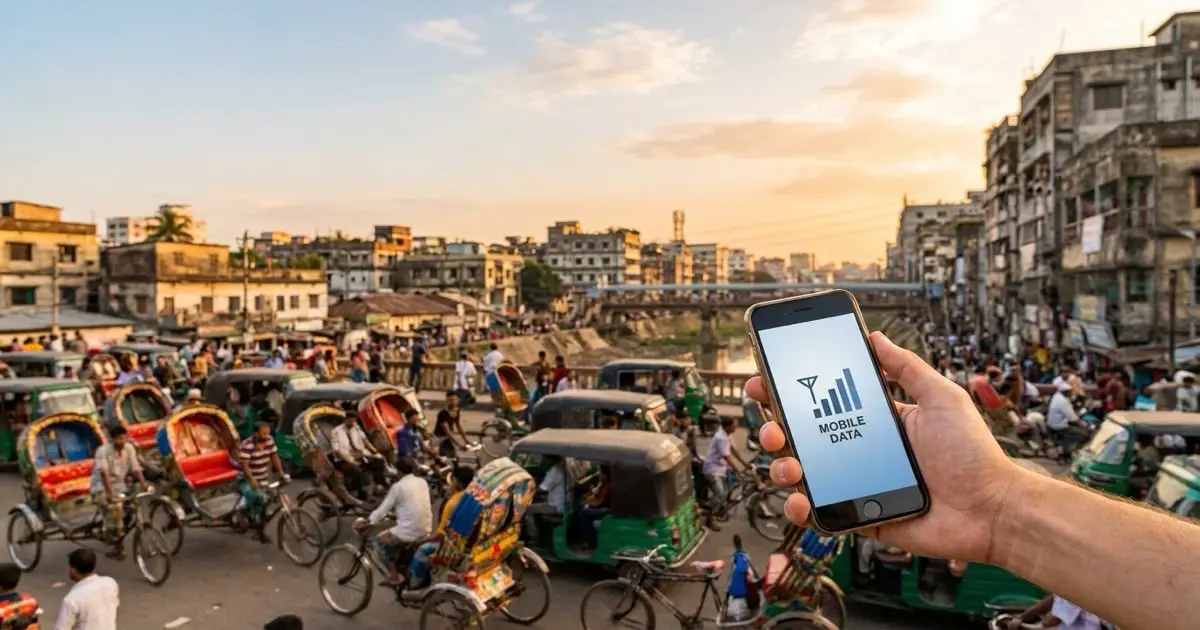
An eSIM for Bangladesh on esimbloom costs from $1.22, with 22 prepaid data plans from short-trip packs to month-long bundles. Buy online, scan the QR code from your email, and the plan activates the first time you connect in Bangladesh — no roaming charges, no contract, and your home SIM stays active for calls.
- Plans from
- $1.22
- Plans available
- 22
- Smallest bundle
- 500MB
- Shortest validity
- 1 days
- Delivery
- QR code by email, within minutes
- Plan type
- Prepaid data only — no contract
Prepaid data plans for travel in Bangladesh
esimbloom lists 22 prepaid eSIM plans for Bangladesh from $1.22 (the smallest is 500MB for 1 day). Every plan is data-only — mobile internet for maps, messaging and bookings, but no local phone number or SMS — and prepaid: pay once, no contract, no roaming charges.
Once you purchase, the QR code arrives by email within minutes. You can install the eSIM before you travel or immediately after landing. No need to find a SIM vendor at the airport or deal with a physical card swap. Your plan activates when you connect to the network in Bangladesh, and data is valid for the period you selected.
How to install and activate your Bangladesh eSIM
Your device must support eSIM—most iPhones from XS onward, recent Samsung Galaxy and Google Pixel models, and many other smartphones do. Check your device settings under Mobile Data or Connections to confirm eSIM capability before purchase. The QR code email includes step-by-step installation instructions for iOS and Android.
You can install the eSIM profile anytime before departure while connected to Wi-Fi. The profile sits dormant until you land in Bangladesh and turn on data roaming for that eSIM line. Activation is automatic when the device registers on the local network. Keep your home SIM installed if you need to receive verification codes or calls on your regular number.
Getting online across Bangladesh
Dhaka, Chittagong, and Sylhet all have strong coverage in urban centres, and you'll stay connected on intercity buses and trains along major routes like the Dhaka–Chittagong highway. Coverage thins in rural areas of Barisal, Khulna, and the Sundarbans delta, where mobile data or edge-network fallback is common. If you're travelling to Cox's Bazar or the Chittagong Hill Tracts, expect reliable service in towns but reduced signal in remote stretches.
Travellers typically use 500MB to 1GB per day for maps, Uber or Pathao ride-hailing, WhatsApp, and light browsing. If you plan to video call, stream, or upload photos frequently, choose a larger bundle. Public Wi-Fi is available in hotels and cafes in major cities, but a local data plan keeps you connected on the move without hunting for hotspots or relying on patchy café networks.
Frequently asked questions
How much does an eSIM for Bangladesh cost?
esimbloom Bangladesh eSIM plans start at $1.22, with 22 plans to choose from. You pay once for the plan you pick — no roaming fees and no contract.
Do I need an eSIM for Bangladesh?
Only if you want mobile data without roaming charges. An esimbloom Bangladesh eSIM is installed from a QR code before you fly, activates on your first connection in Bangladesh, and is data-only — your home SIM stays in the second slot for calls and SMS, with its data roaming switched off.
Do I get a Bangladesh phone number with this eSIM?
No. These are data-only plans, so you can use internet-based services like WhatsApp, Telegram, and Skype, but you will not have a local number for voice calls or SMS. Your home number remains active if you keep that SIM installed.
When does my data plan start?
The validity period starts when your device first connects to the mobile network in Bangladesh. You can install the eSIM profile days or weeks in advance—it will not activate until you land and turn on mobile data for that line.
Can I use this eSIM in both Dhaka and rural areas?
Yes. The eSIM works nationwide. Urban areas like Dhaka and Chittagong have strong coverage, while rural regions may fall back on the local mobile network. Coverage is thinner in remote parts of the Sundarbans and hill districts, but towns remain well served.
How do I top up if I run out of data?
These are prepaid plans with a fixed data allowance. If you exhaust your data before the validity period ends, you will need to purchase a new plan. Install the new QR code as an additional eSIM profile or replace the old one.
Will this work with my iPhone or Android phone?
Most iPhones from XS onward and recent Samsung Galaxy, Google Pixel, and other Android flagships support eSIM. Check your settings under Mobile Data or Connections for an option to add an eSIM or scan a QR code before purchasing.