What is an eSIM, and how does it work when you travel?
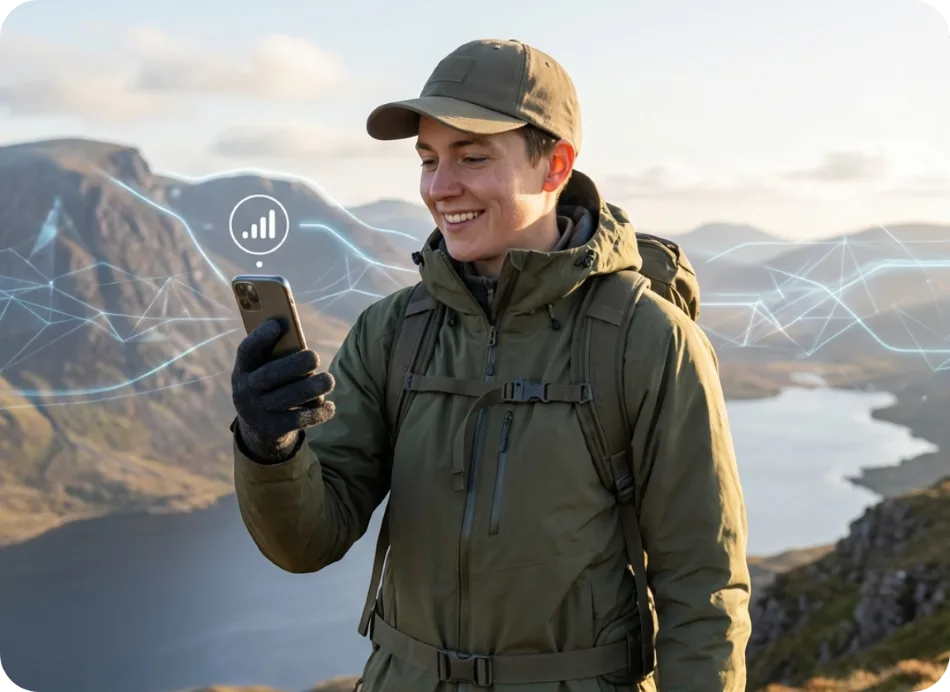
An eSIM is a SIM card built into your phone as software rather than plastic. Instead of swapping a chip at the airport, you scan a QR code and a new mobile plan appears in your settings — which is what makes it useful for travel.
The difference between an eSIM and a plastic SIM
A physical SIM stores your subscriber identity on a removable chip. An eSIM stores the same thing in a chip soldered into the handset, and the plan is written to it over the internet. Nothing is posted to you and nothing can be lost in a hotel room.
Because the profile is just data, a phone can hold several at once. Most eSIM-capable handsets store multiple plans and let you pick which one carries mobile data, which is how you keep your home number reachable while paying local-style prices for data abroad.
eSIM versus roaming versus a local SIM card
Roaming on your home plan is the least effort and usually the most expensive, because you are billed at your operator's international rate. A local SIM bought on arrival is usually cheapest per gigabyte, but costs you an airport queue, sometimes ID paperwork, and a phone number your contacts do not have.
A travel eSIM sits between the two: you buy before you fly at a fixed price, arrive already connected, and keep your existing number switched on. The trade-off is that data-only travel plans do not give you a local number for calls or SMS.
Installing and activating a travel eSIM
Checkout takes a card or wallet payment, and the QR code arrives by email within minutes. You scan it in your phone's settings to install the plan, then switch the line on when you land.
Install before you fly while you still have reliable Wi-Fi, but leave the line switched off until you arrive — validity starts at first connection, so activating early wastes days. Once you land, turn the line on, enable data roaming for that line specifically, and set it as your mobile data source.
Frequently asked questions
Does my phone support eSIM?
Most iPhones from the XS generation onward and most recent Android flagships do, provided the handset is carrier-unlocked. The compatible devices page lists known-good models and how to check yours.
Do I need to be online to install an eSIM?
Yes, for installation. Scanning the QR code downloads the profile over the internet, so install it on Wi-Fi before you travel rather than after you land.
Can I move an eSIM to a new phone?
Usually not. An eSIM profile is tied to the device it was installed on, so plan to install it on the phone you are actually travelling with.
Will an eSIM replace my normal number?
No. It installs as an additional line. Your existing SIM stays active for calls and texts while the eSIM handles data.