Travel eSIM for Micronesia – Regional & Global Plans
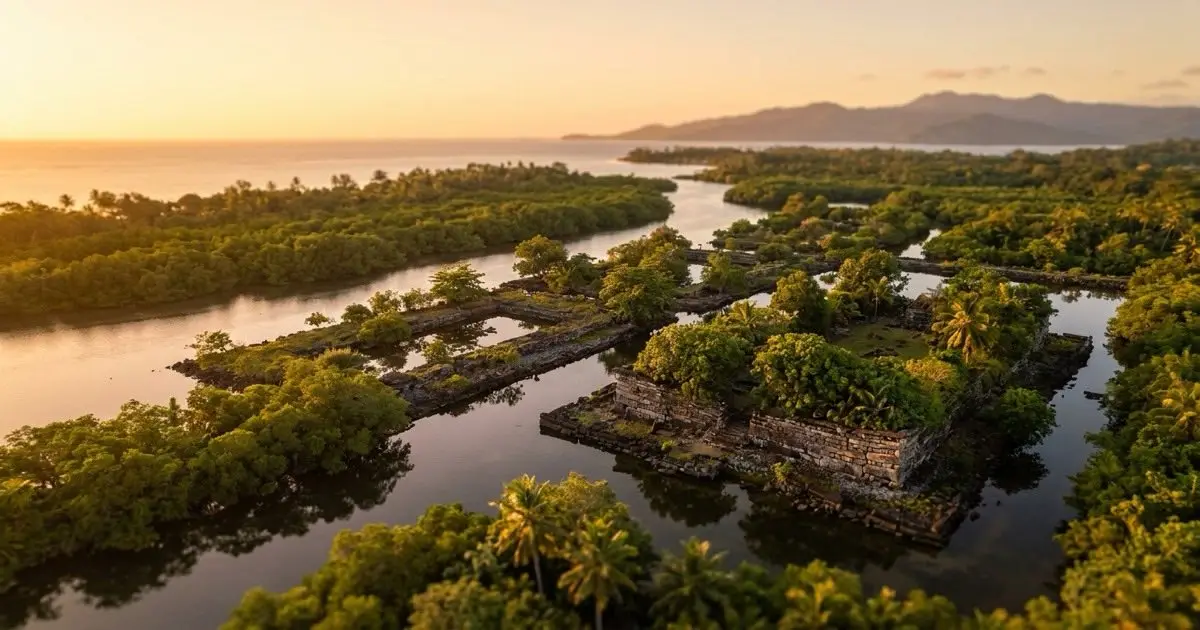
esimbloom has no plan listed for Micronesia right now. The regional and global plans linked below each list the countries they cover — check those, or a nearby destination, before you travel.
- Delivery
- QR code by email, within minutes
- Plan type
- Prepaid data only — no contract
Regional and Global eSIM Coverage for Micronesia
esimbloom has no plan listed for Micronesia right now. Check the regional and global plans linked below — each plan page lists the countries it covers — or a nearby destination.
Plans are data-only, so you won't receive a local phone number or SMS capability. You can still use data-dependent messaging and calling apps over your eSIM connection. Coverage includes mobile data, and mobile data. Browse regional and global plans on the esimbloom site to find the validity period and data allowance that matches your trip length and usage needs.
How to Activate Your eSIM Before Arriving in Micronesia
Check that your phone supports eSIM — most recent iPhone, Samsung Galaxy, and Google Pixel models do. Once you've purchased a plan on esimbloom, you'll receive a QR code by email within minutes. Install the eSIM by scanning the QR code in your phone's settings before you leave home, but keep the plan toggled off as your secondary line until you land.
When your flight touches down in Micronesia, turn on the eSIM data line and disable data roaming on your primary SIM to avoid unexpected charges. Your eSIM will connect to an available network automatically. If you don't see a connection within a few minutes, toggle airplane mode or restart your device. Keep your original SIM installed so you can still receive important calls or verification codes on your home number.
Prepaid data plans for Micronesia
Micronesia's populated areas — Kolonia on Pohnpei, Weno in Chuuk Lagoon, Colonia on Yap, and Tofol on Kosrae — have mobile coverage, though signal strength drops quickly outside town centres and along remote coastlines. If you're diving in Chuuk Lagoon, trekking to Pohnpei's Nan Madol ruins, or visiting outer islands like Ulithi, expect limited or no connectivity. Download offline maps, dive site guides, and any documents you'll need before leaving your hotel.
Inter-island flights and ferries rarely offer onboard connectivity, so plan for offline periods during travel between states. Most travellers use one to three gigabytes per week for maps, messaging, and sharing photos. If you're uploading dive videos or video-calling home regularly, budget extra data. Hotels and guesthouses in the main towns generally offer WiFi, though speeds can be slow, making your eSIM the more reliable option for day-to-day browsing and navigation.
Frequently asked questions
Will my eSIM work on the outer islands of Micronesia?
Coverage on outer islands and remote atolls is limited or absent. Your eSIM will connect in the main population centres, but expect no signal on many smaller islands, during boat transfers, and in rural or offshore areas. Download what you need in advance.
Can I use my eSIM data to make phone calls in Micronesia?
esimbloom plans are data-only and do not include a local phone number or voice calling. You can make calls using internet-based apps like WhatsApp, Skype, or FaceTime over your eSIM data connection.
How much data do I need for a week in Micronesia?
Most travellers use one to three gigabytes per week for maps, messaging apps, and sharing photos. If you plan to upload dive videos, stream content, or make frequent video calls, choose a plan with a larger data allowance.
When should I activate my Micronesia eSIM?
Install the eSIM by scanning your QR code before you travel, but keep it toggled off until you land. Once you arrive in Micronesia, turn on the eSIM data line and your connection will start automatically. This counts as activation.