eSIM for North Korea – Regional & Global Data Plans
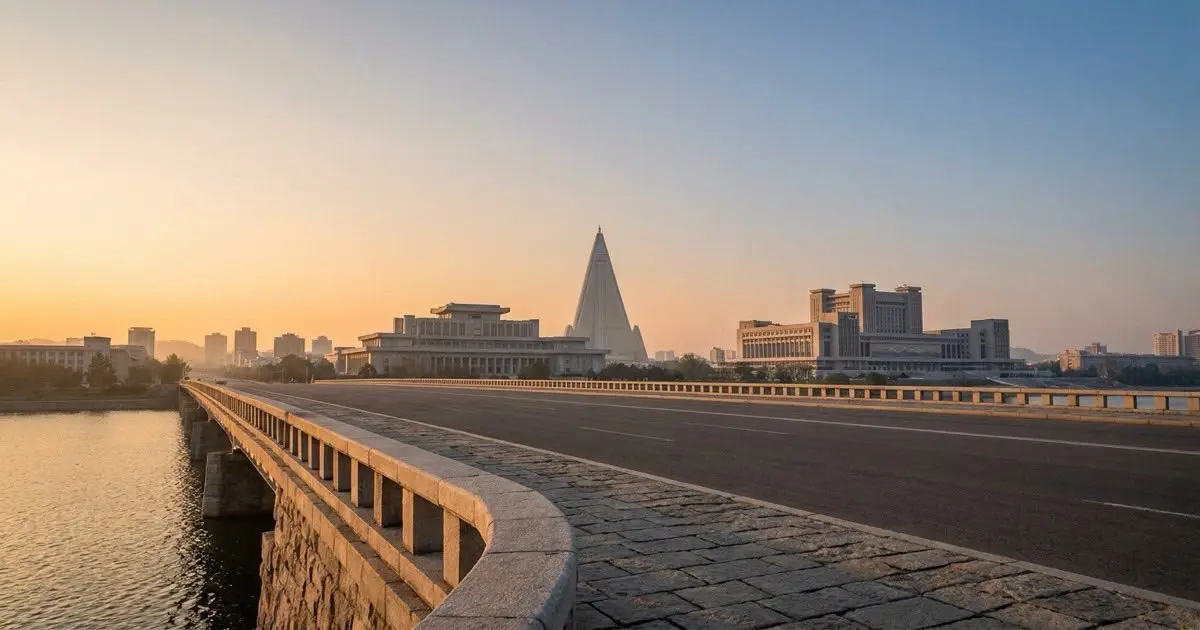
esimbloom has no plan listed for Korea (North) right now. The regional and global plans linked below each list the countries they cover — check those, or a nearby destination, before you travel.
- Delivery
- QR code by email, within minutes
- Plan type
- Prepaid data only — no contract
Regional and global plans for North Korea
esimbloom has no plan listed for Korea (North) right now. Check the regional and global plans linked below — each plan page lists the countries it covers — or a nearby destination.
Browse the regional and global plan catalogue to compare data allowances, validity periods, and prices. Once you purchase, the QR code arrives by email within minutes. Your plan will connect to an available network on the ground, using the local mobile network at whatever speed it and your device support.
How to set up your eSIM before travelling
Check that your phone supports eSIM – most models from 2019 onward do, including recent iPhones and many Android flagships. Once you complete your order, open the email on a second device or print the QR code, then scan it through your phone's eSIM or mobile data settings. The profile installs in seconds but stays dormant until you enable it.
Install the eSIM while you still have Wi-Fi at home. When you land in North Korea, turn on data roaming for the new eSIM line and switch it to your active data profile. The eSIM will register with a local network automatically. Keep your original SIM installed if you need to receive calls or texts on your home number over Wi-Fi.
Staying connected during your visit
Mobile connectivity in North Korea is tightly controlled and differs sharply from other destinations. Foreign visitors typically have very limited independent access to local networks. Tourists usually travel on organized tours, and in many cases internet access is provided only through hotel Wi-Fi or supervised connections rather than private mobile data.
If you hold a regional or global eSIM plan that lists North Korea in its coverage, be aware that practical network availability depends on the permissions and arrangements made through your tour operator or sponsoring organization. Data usage that is routine elsewhere – messaging apps, social media, maps – may be restricted or unavailable. Confirm connectivity expectations with your tour organizer before departure and plan accordingly.
Frequently asked questions
Why is there no single-country North Korea eSIM plan?
esimbloom does not currently offer a dedicated plan for North Korea. The destination is included in some regional and global multi-country plans, but practical network access depends on local regulations and your travel arrangements. Check the plan coverage list before purchasing.
Will I have mobile data as soon as I arrive?
If your regional or global plan lists North Korea, the eSIM will attempt to register with an available network on arrival. However, independent mobile data access for foreign visitors is restricted in North Korea, so connectivity is not guaranteed and depends on your tour operator's arrangements.
Can I use messaging apps and social media?
Access to international internet services is heavily restricted in North Korea. Even if your eSIM connects to a network, you may not be able to reach apps like WhatsApp, Facebook, or Google services. Confirm what will be accessible with your tour organizer before you travel.
Do I need to activate the eSIM before I leave home?
Install the eSIM profile at home while you have Wi-Fi, but leave it disabled. When you land, enable data roaming and switch the eSIM to your active data line. This ensures the profile is ready and avoids troubleshooting without internet access.
What if the eSIM does not connect when I arrive?
Mobile connectivity for visitors in North Korea is limited by local policy, not technical failure. If your eSIM does not connect, rely on any Wi-Fi or supervised internet access provided by your accommodation or tour operator. Confirm connectivity options in advance of your trip.